Auto Expense Tracker
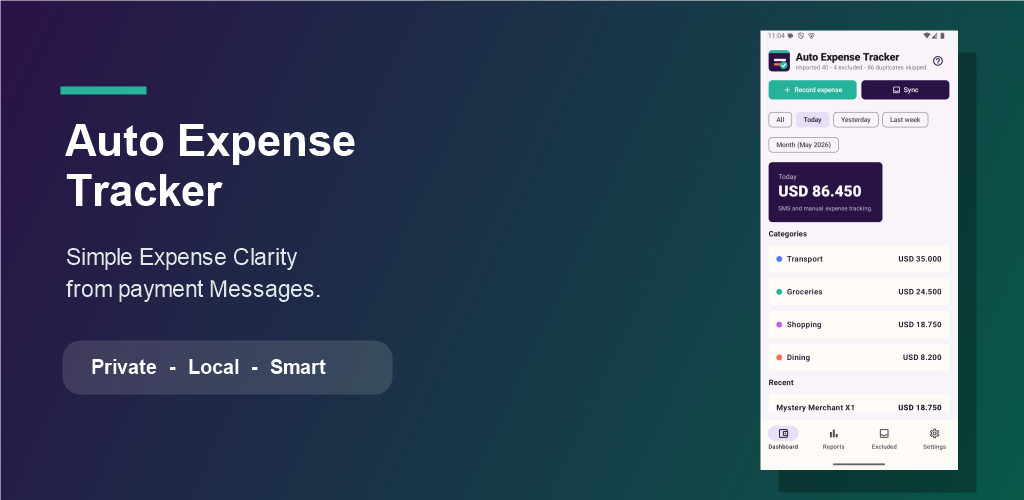
Simple expense clarity from payment messages.
Track calendar-first spending from financial transaction SMS, review excluded messages, switch languages inside the app, and understand weekly or monthly expense patterns on your Android device.
Download for Android
Auto Expense Tracker is built for Android because Android allows user-approved SMS access for this kind of local money-management app.
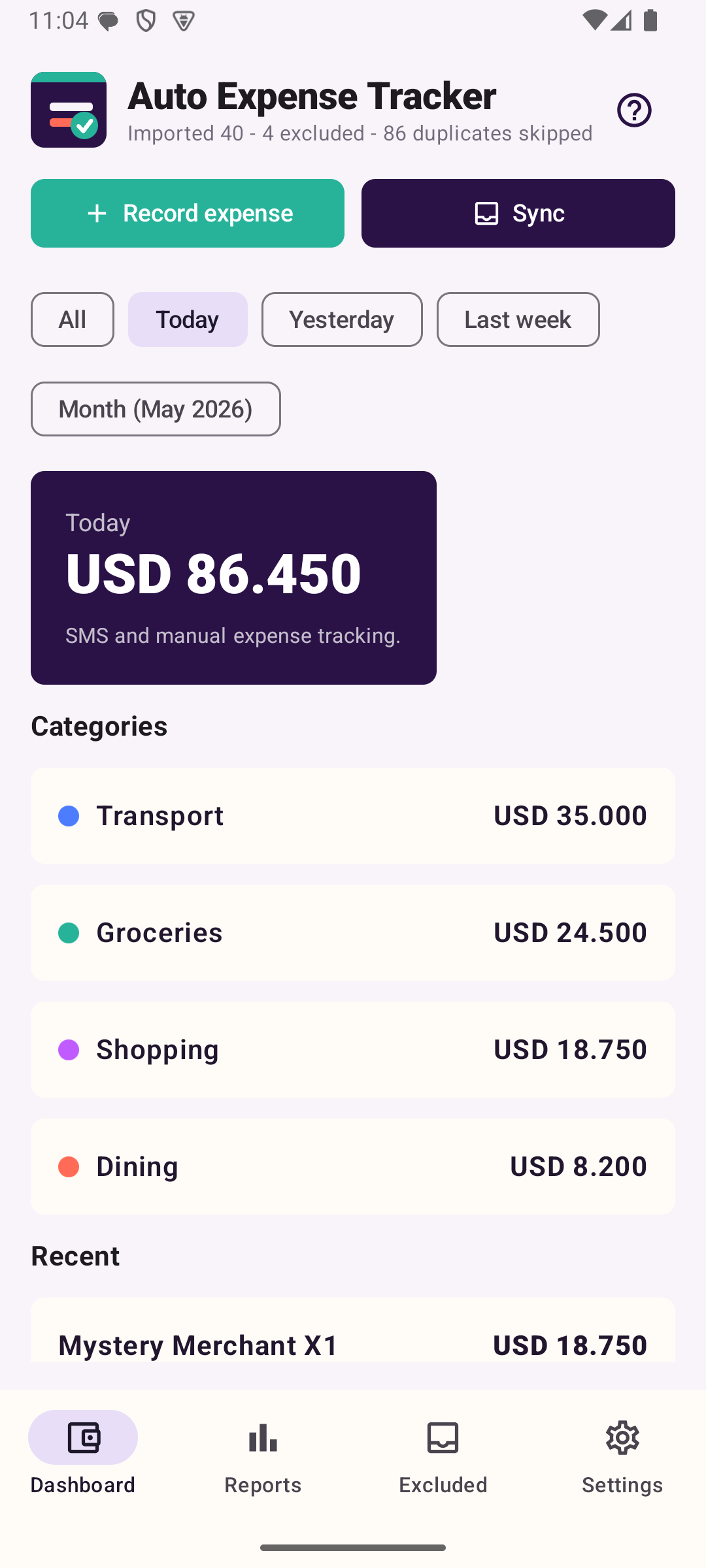
Open to a calendar view, tap any day for its ledger, then switch to today, yesterday, last week, or a selected month.
Choose the app language during onboarding or later in Settings. Translations are bundled in the app and work without an online translation service.
Tap a category to see the exact transactions behind each total.
Choose how many categories, then split one payment by amount or percentage without creating rules.
SMS-derived expense data is stored on the device and is not uploaded to cloud storage.
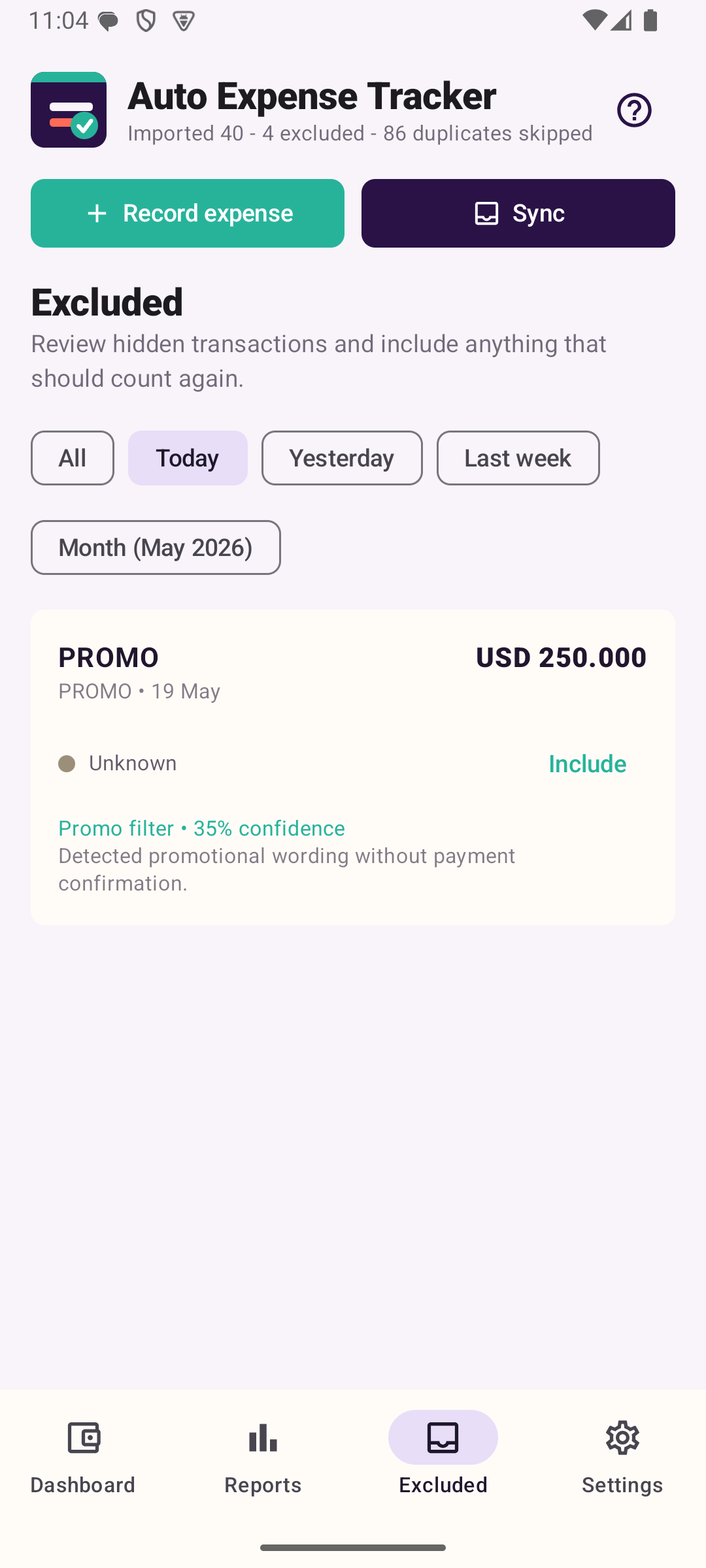
Promo-like messages and excluded transactions stay visible in Excluded, with the same date filters as the dashboard.
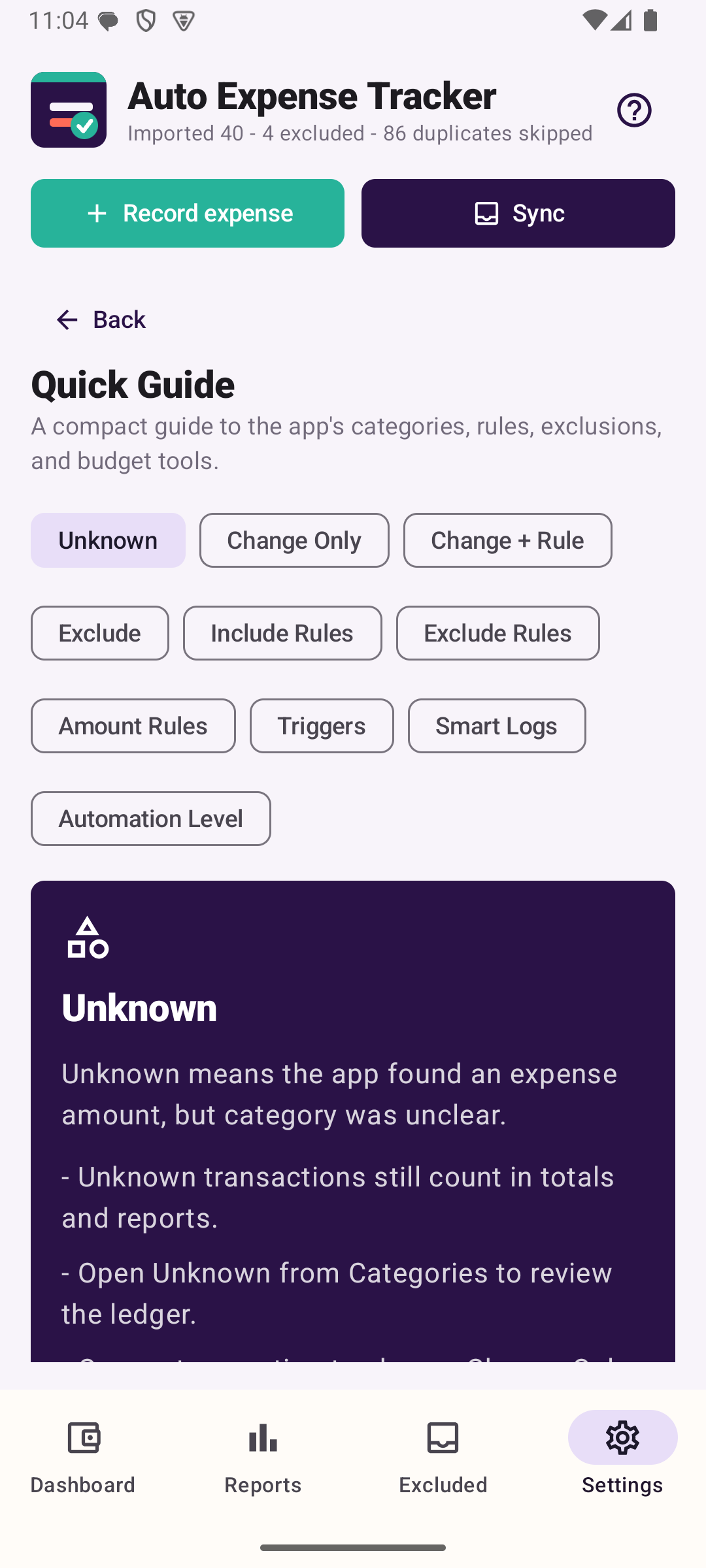
Use Change Only for one transaction, or Change + Rule for matching saved transactions and future messages. Change + Rule previews saved matches first.
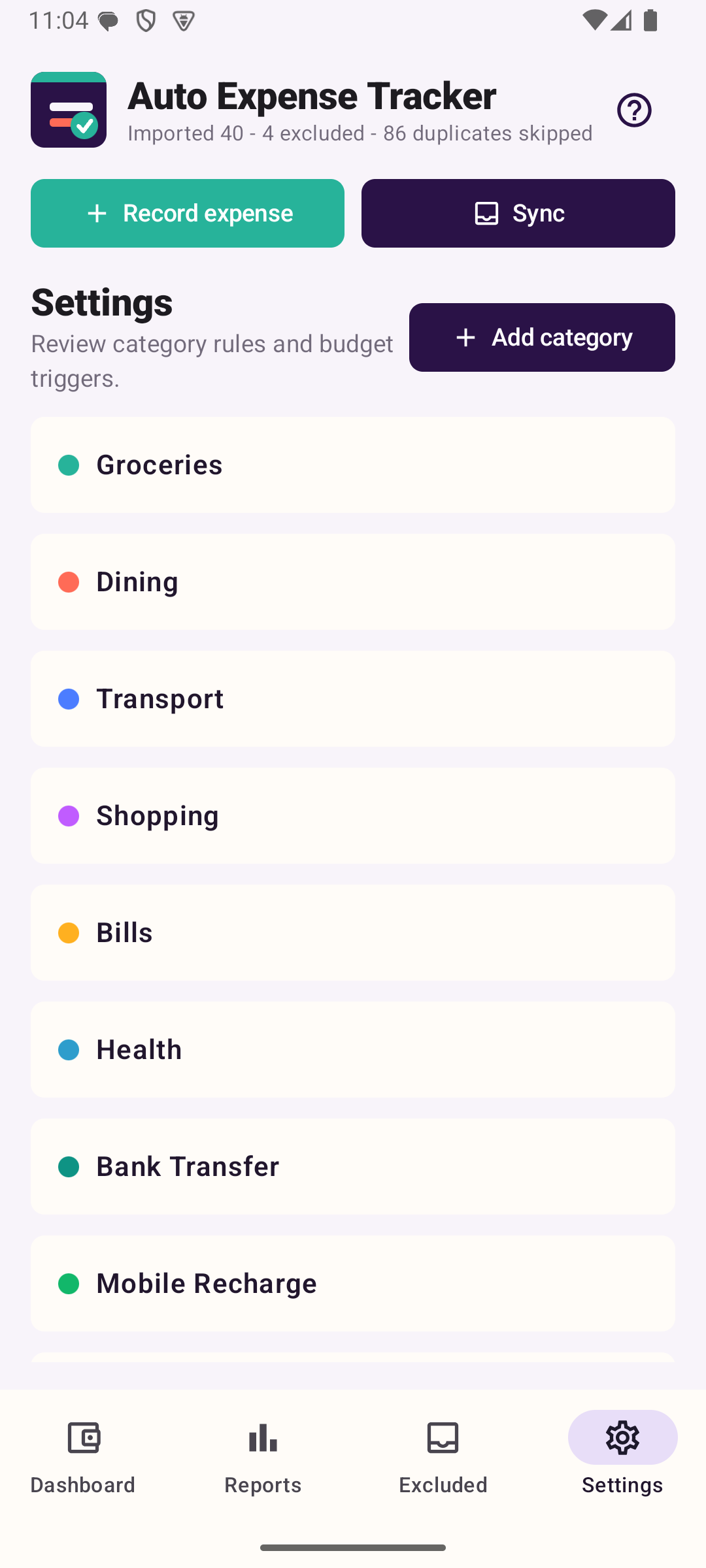
A balanced offline signal set helps common shopping, groceries, dining, transport, bills, transfer, recharge, lifestyle, health, travel, education, and entertainment payments categorize more accurately.
Keep the recommended Balanced automation level, or unlock Premium to choose Relaxed or Strict from Settings with clear loading feedback.
Set a default currency, adjust amount precision, and keep separate budget limits for currencies such as BHD, USD, AED, INR, and more.
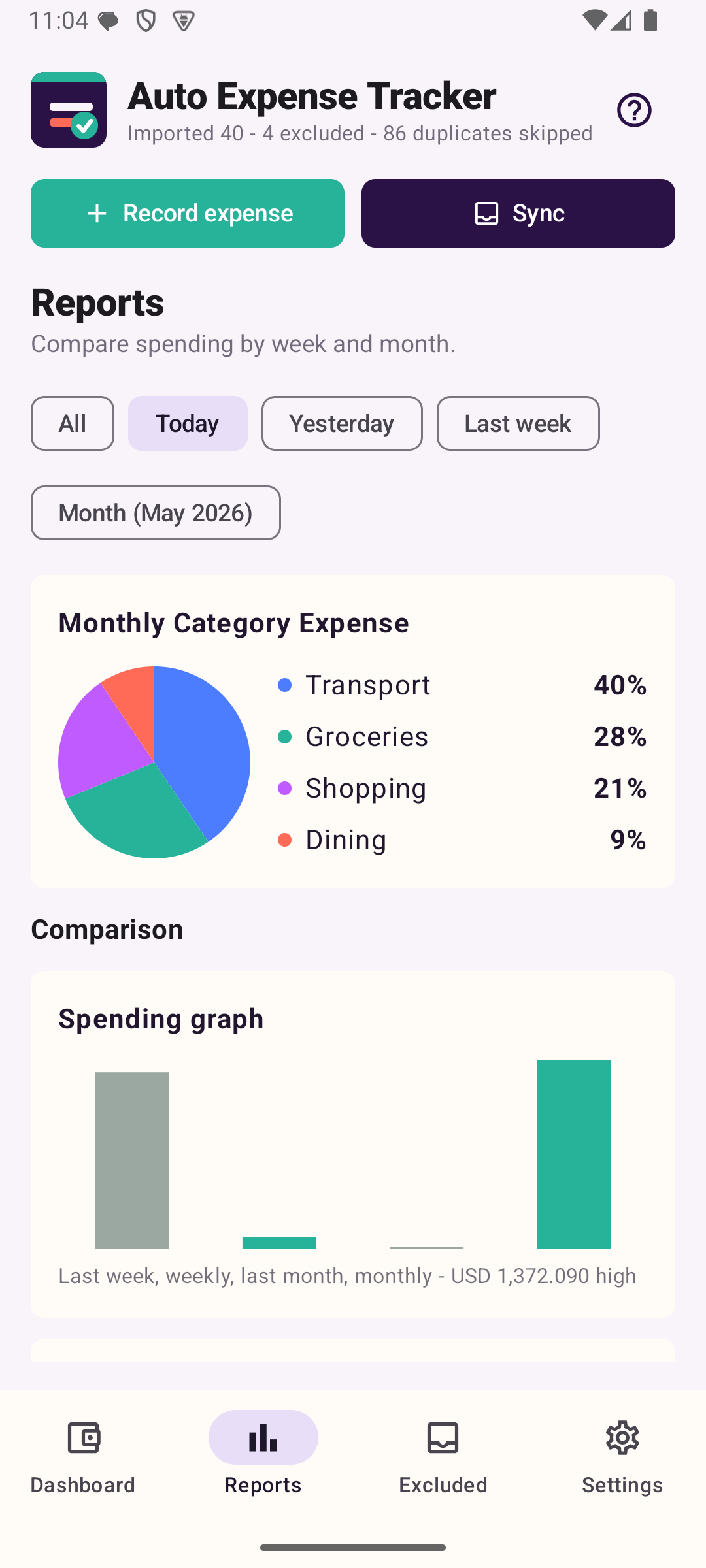
Review date-filtered reports, weekly and monthly comparisons, top merchants, and Monthly Category Expense.
Use privacy-safe widgets for today/month totals, recent daily totals, and daily, weekly, monthly budget progress.
Optional local alerts can notify once when daily, weekly, or monthly spending reaches the selected limit for that currency.
The app can check Google Play for newer versions and offer a flexible update when available.
After Premium unlock, Google Play may show an optional in-app review prompt.
Offline language support
Auto Expense Tracker supports English, Arabic, Hindi, Urdu, Spanish, French, Korean, Japanese, Simplified Chinese, Russian, Tamil, Malayalam, and Telugu. Arabic and Urdu use right-to-left layout support where Android applies it.
Language selection is available during onboarding and from Settings. The selected language is stored on the device and applies to the app interface, important dynamic messages, widgets, and notifications.
App Screens